Uninstall Add-in on APP catalog
The steps in this section need to be done only once per SharePoint instance by a global SharePoint Administrator. After this initial, the web parts will become unavailable for installation in each site collection.
- Login to your Office 365 admin center page with an administrator account;
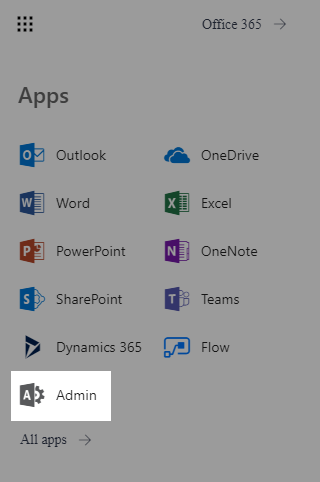
- Open the app launcher and click on Admin;
-
Open your SharePoint Admin Center;
-
On the left pane, click on apps and then App Catalog;
-
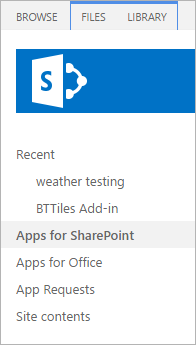
On the left pane, click on Apps for SharePoint;
-
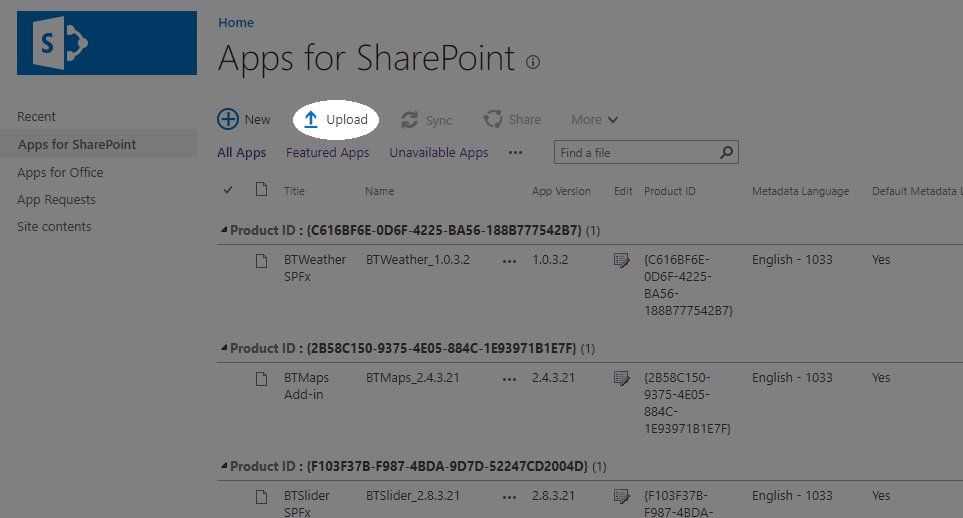
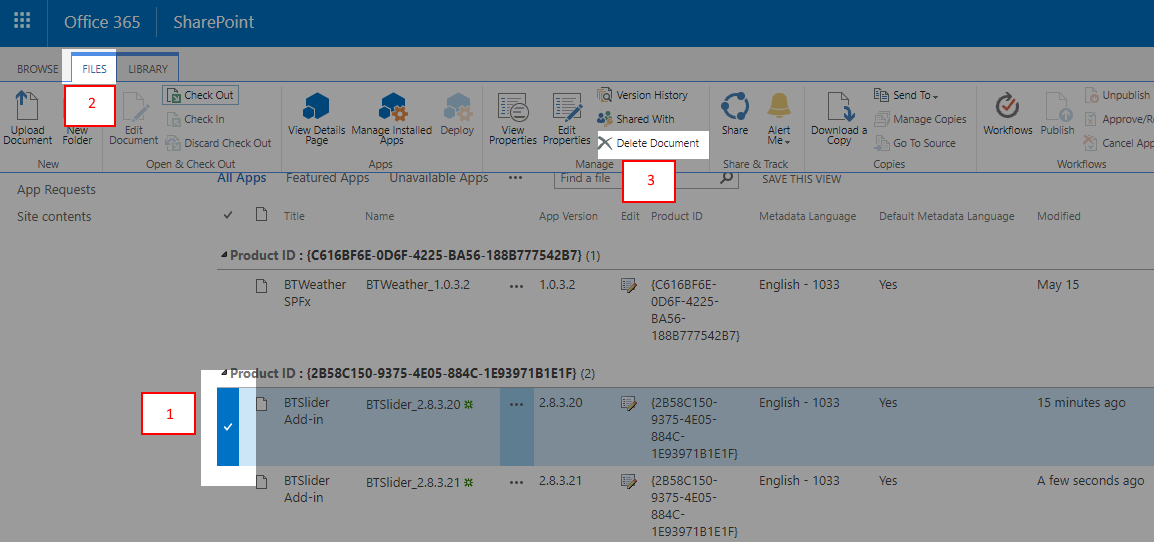
Now select BTxxxx Add-in that you want to delete and click on the ribbon Files;
-
Click to Delete Document;
Uninstall the web part on Site
The steps in this section need to be done for each site collection where you want to delete the web part by a Site Collection Administrator.
-
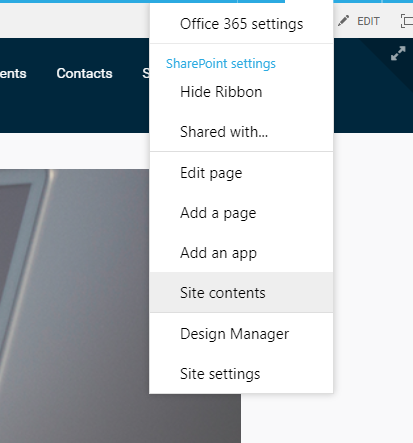
Inside your site collection, click on Settings ⚙️ and then on Site contents;
-
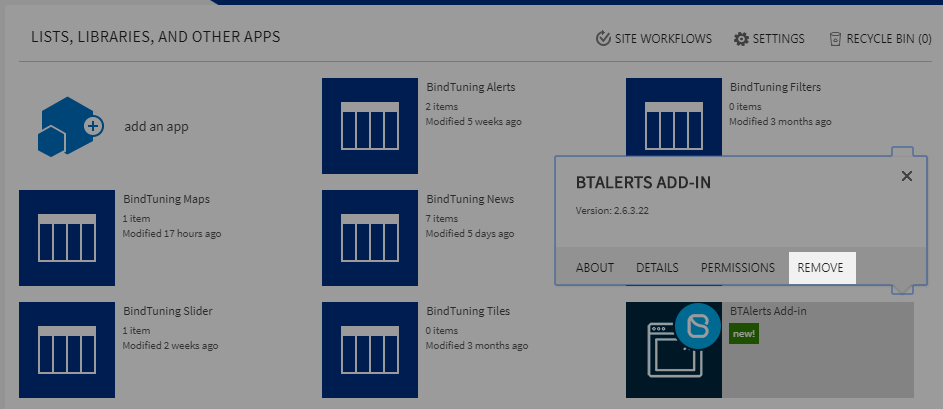
Click on the ellipsis button on the APP and then Remove;
-
The Web Part will be removed from your SharePoint site.